How to provide evidence
Evidence required
You can upload evidence to support your course application and/or equity schemes in the ‘Providing evidence’ section of your VTAC account, accessed from the top navigation bar. You can also upload most documents from your dashboard.
There will be prompts against any area of your application where evidence is required.
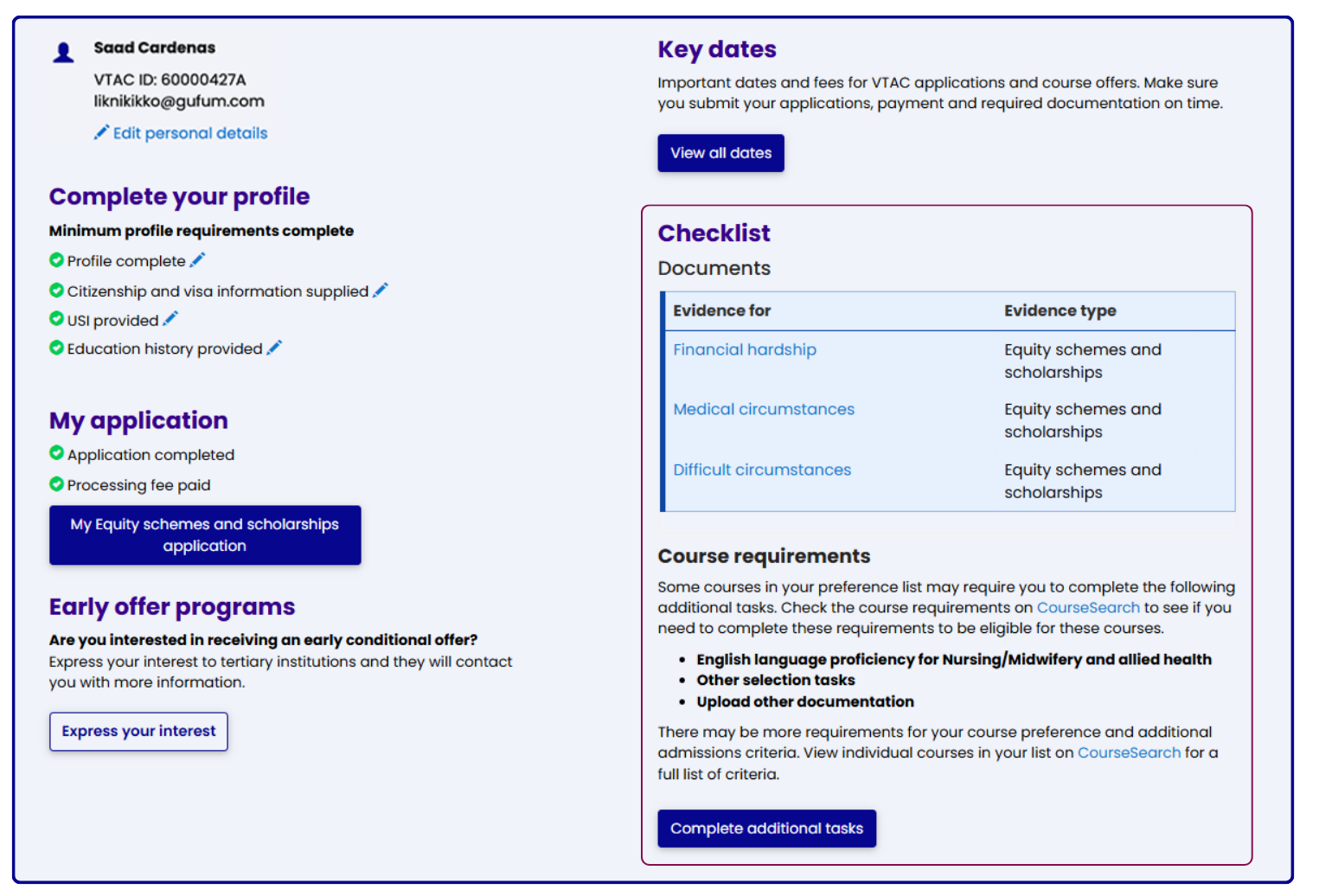
On your dashboard
The checklist on your dashboard will list documents required or additional tasks you need to complete.
On the Providing evidence page
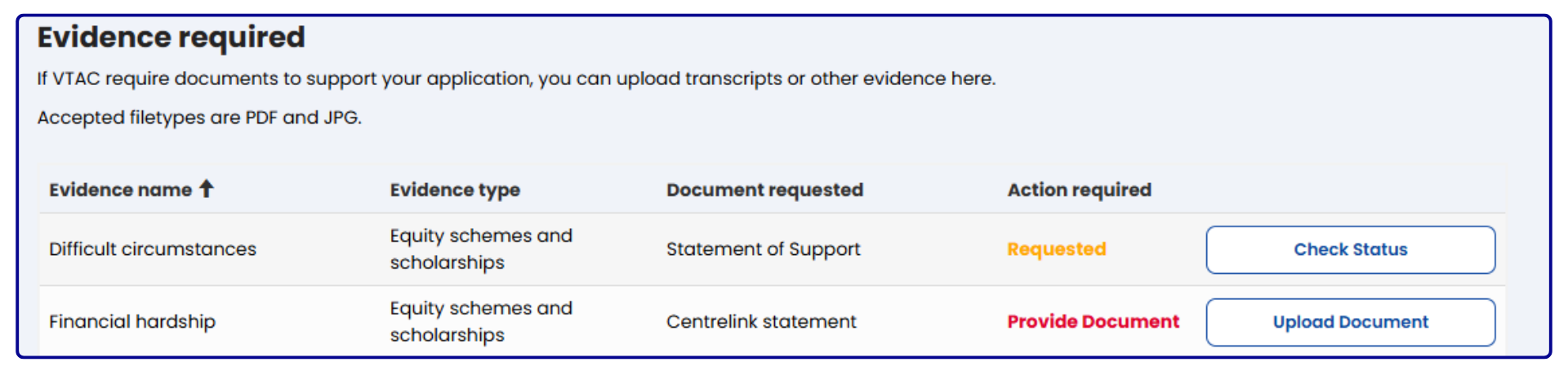
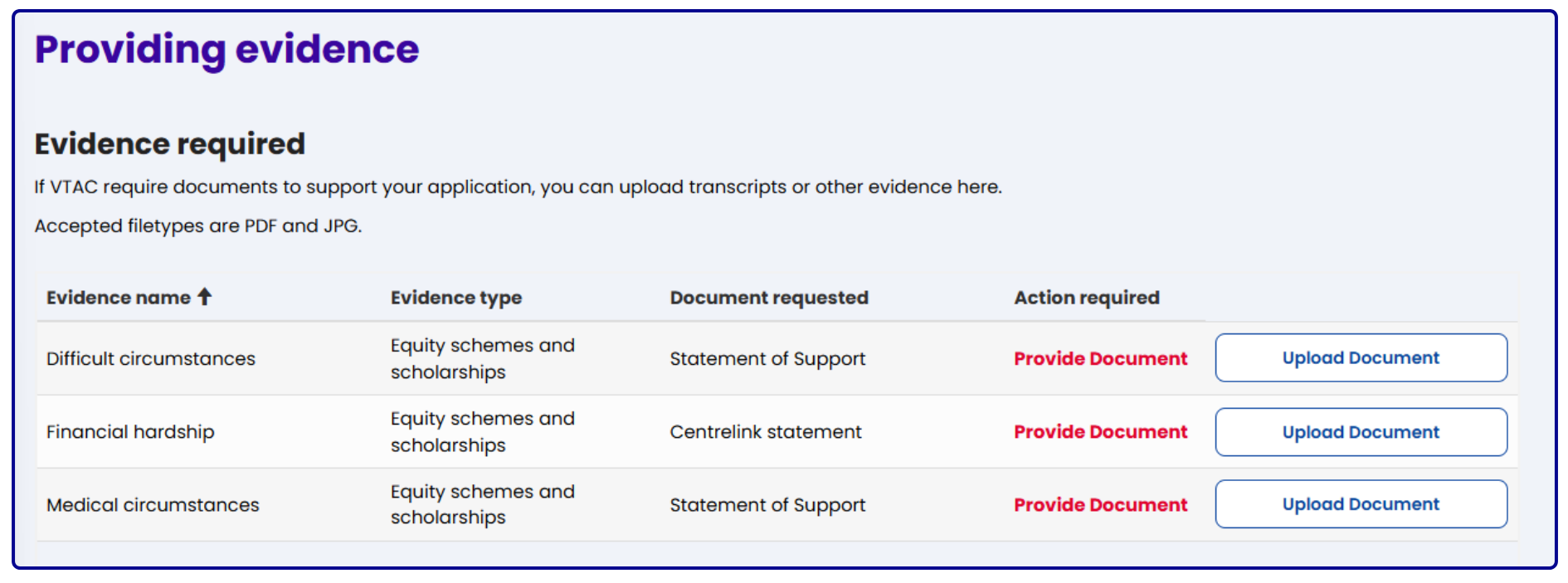
The Providing evidence page will list all documents required under the Evidence required section.
Uploading evidence
From your dashboard, click on the blue link or use the Upload document button on the Providing evidence page. Follow the prompts to upload your document.
Evidence to support your course application may be academic transcripts, admission/aptitude test results, written statements for your personal statement, or documents required by one or more of your course preferences (e.g. a working with children check for an early childhood education course).
Uploaded documents must be clear, legible and in PDF or JPEG format.
Equity schemes and scholarships: statement of support
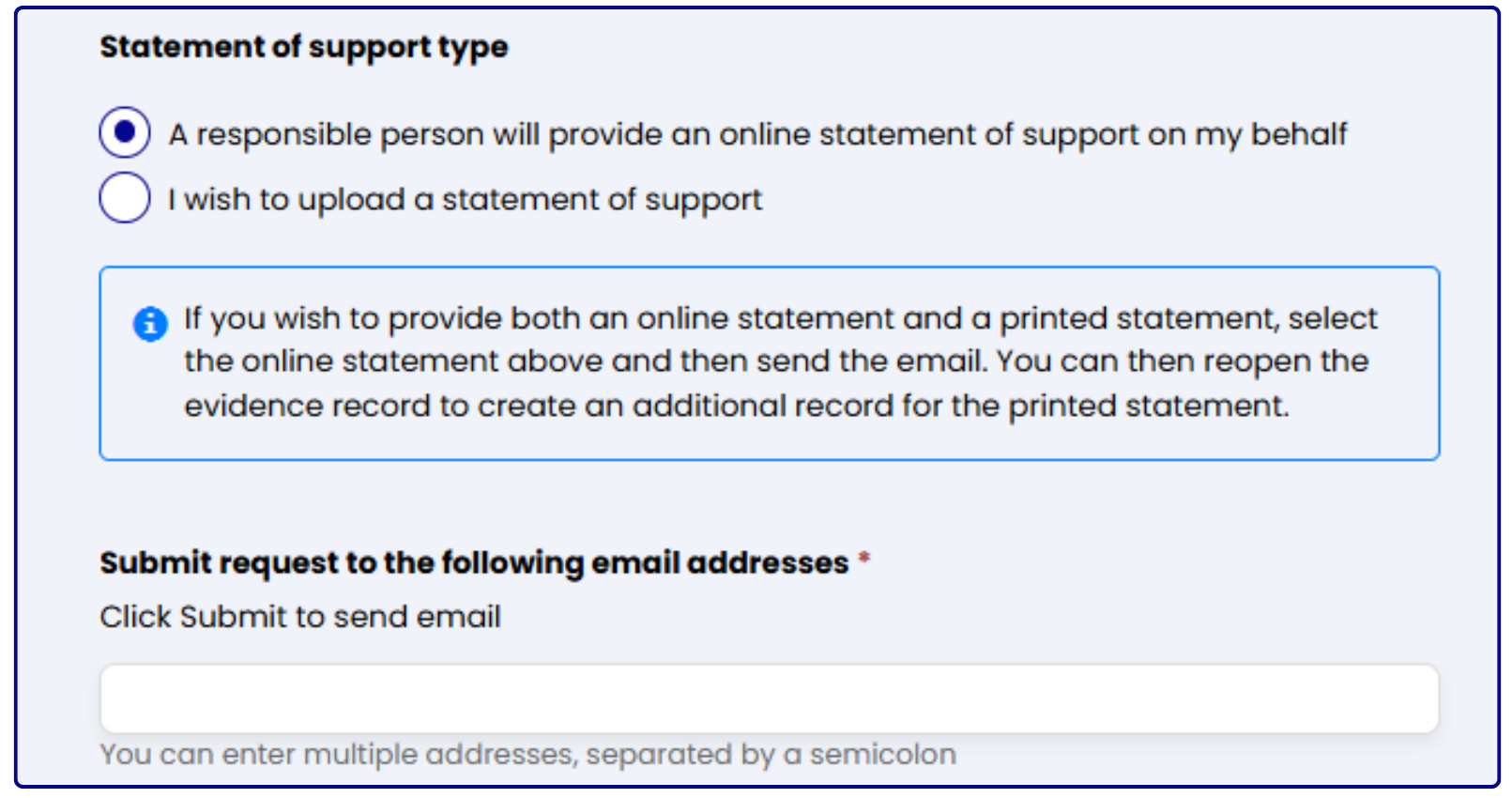
Requesting an online statement of support
Select 'Yes' under Request online statement of support and follow the prompts to email an online statement of support request to your health practitioner or responsible adult.
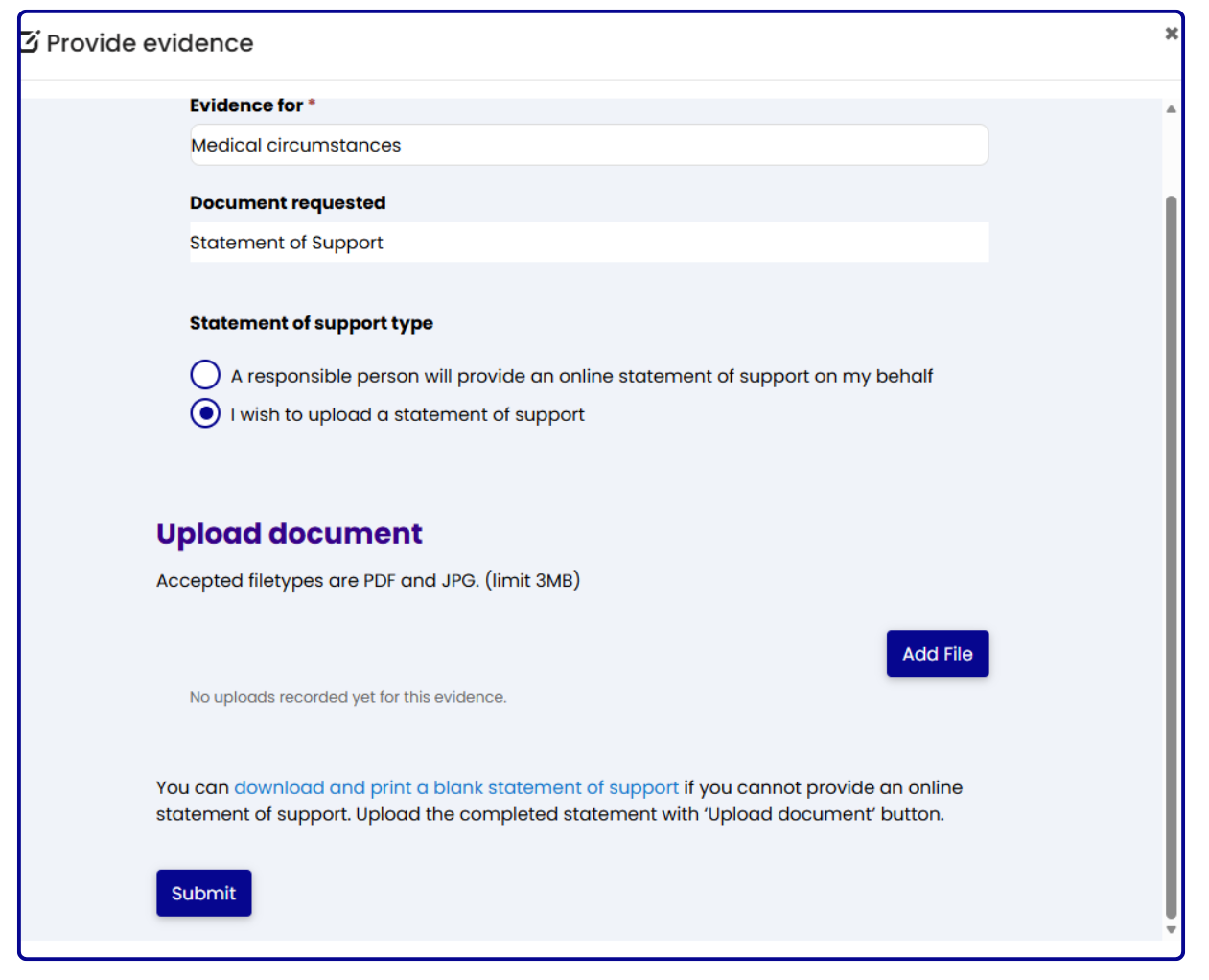
Uploading a statement of support
You can upload the document by clicking on the Add file button under Upload document.
Uploaded documents must be clear, legible and in PDF or JPEG format.
Uploading results documents? They must be high-quality colour scans
In most cases, you will not need to provide your results if you studied in Australia or New Zealand.
However, if providing results documentation not from an institution listed under the Restricted documentation table on the Qualifications from Australia or New Zealand page (for the relevant years), you can upload a high-quality colour scan through your VTAC account. Make sure:
- you are scanning original, official documents
- your scans are clear, easy to read and full-colour (see examples of acceptable and unacceptable documentation)
- that if you use your phone, you are using a scanner app - askew or poorly focused scans and photographs will be rejected
- you supply documentation in PDF or JPEG file formats
Digitally signed PDF transcript from My eQuals
To supply a digitally signed My eQuals PDF transcript:
- register for My eQuals and create a digitally signed PDF transcript
- ensure that the blue verification banner is intact
- upload the digitally signed PDF transcript to your VTAC account
Summary of submitted evidence
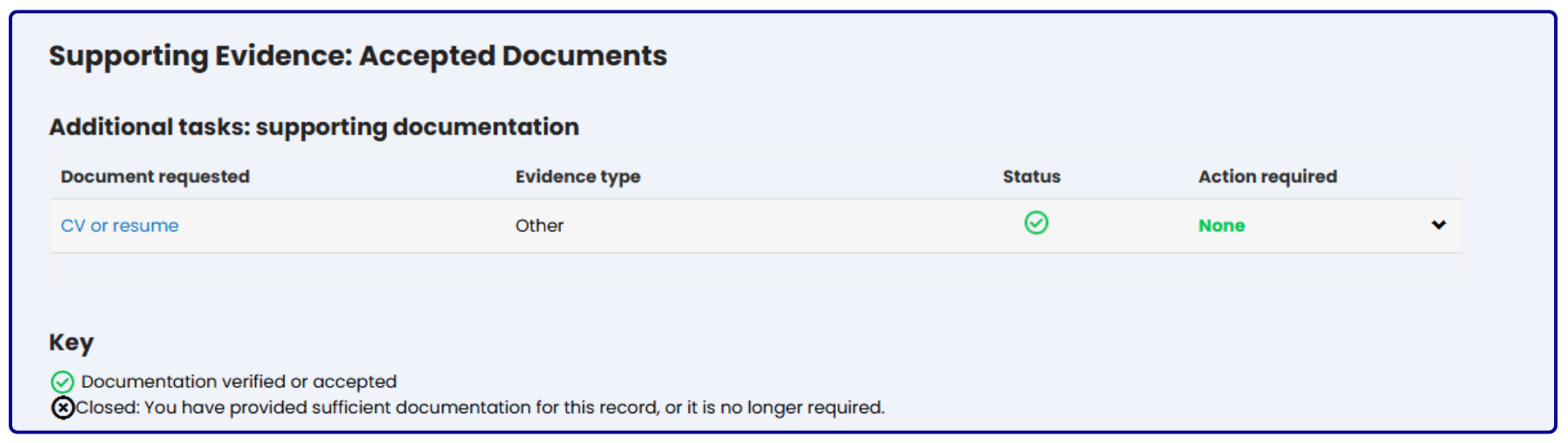
You will find a table at the bottom of this page with a summary of any documents you have provided. After a VTAC staff member reviews the document they will update the status. Keep an eye out for any documents that have been rejected and require an action from you. Documents that have been accepted will move down to the Accepted Documents section.